

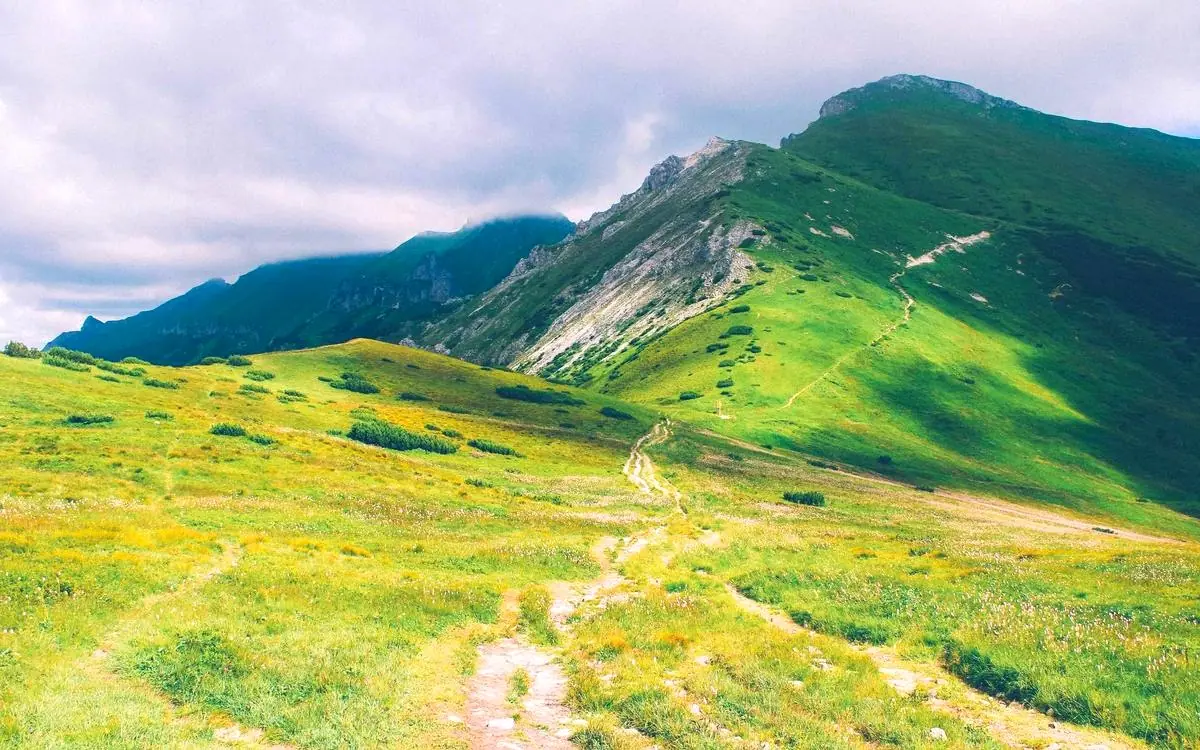
True detail upscaling up to 16K
Most upscalers stretch pixels and call it a day. PixEnhance rebuilds fine texture, lines and colour so tiny images can become useful again.


4.9/5 from 2,480 creators
Rebuild real detail instead of stretching pixels. Upscale, restore and clean up any photo in seconds.
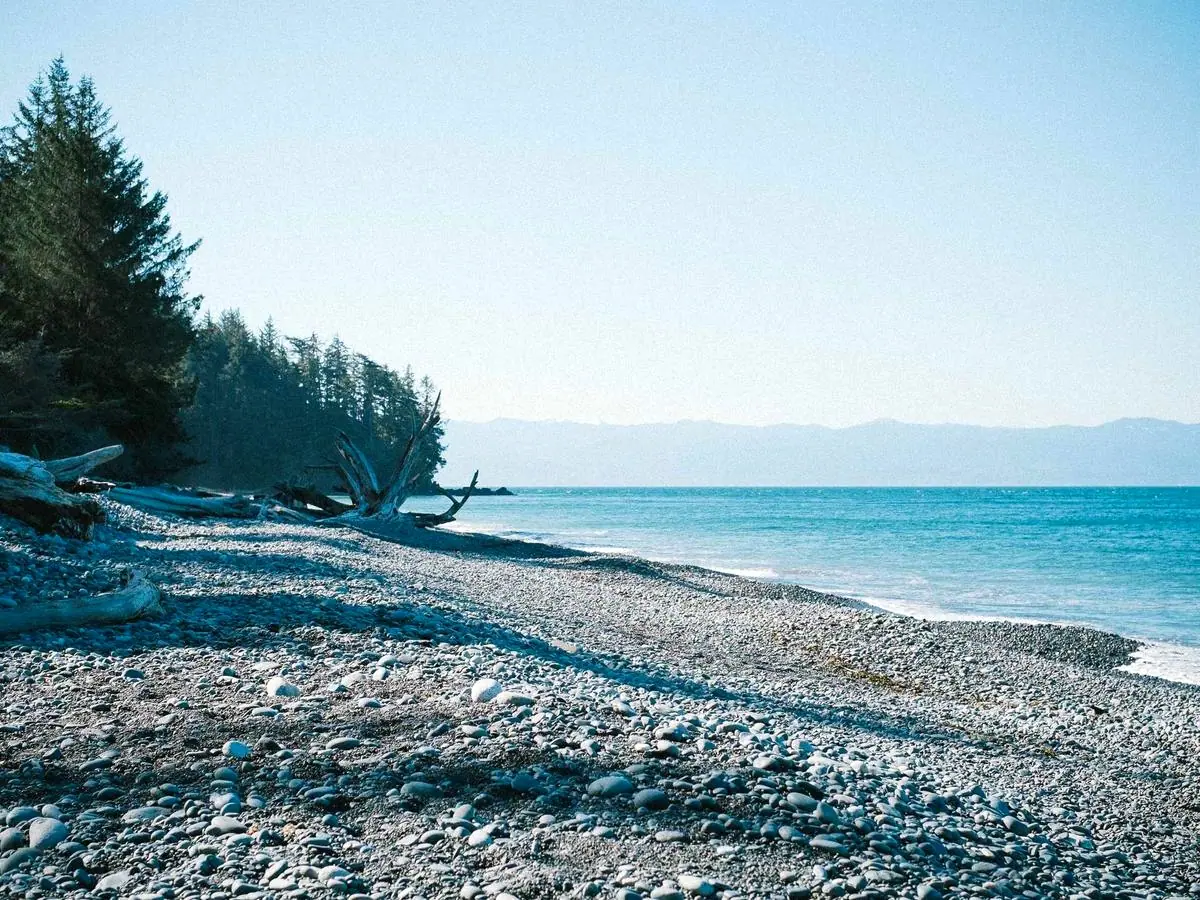
Powering image pipelines at 4,000+ companies


Nine specialised models behind a single, ridiculously simple interface. Upload once, and let PixEnhance decide exactly what your photo needs.
Most upscalers stretch pixels and call it a day. PixEnhance rebuilds fine texture, lines and colour so tiny images can become useful again.
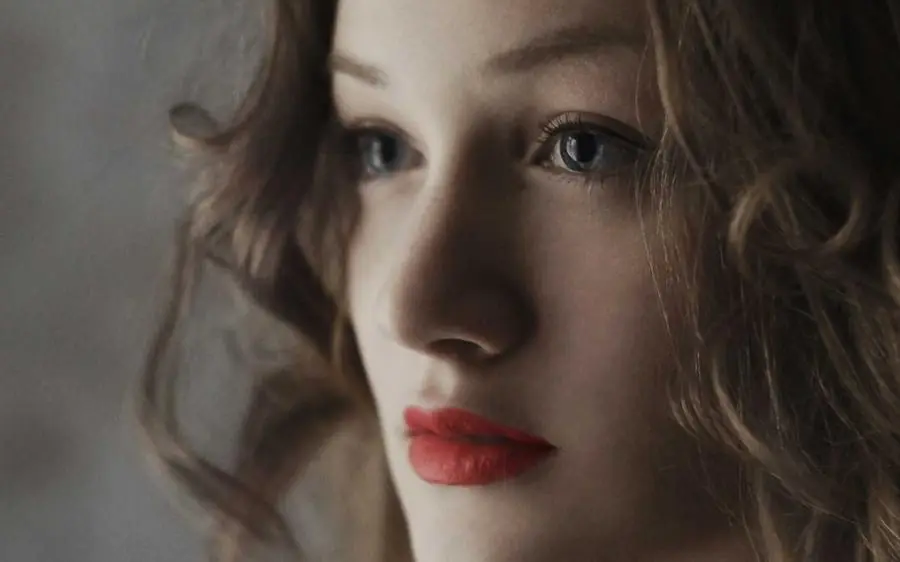 Identity safe
Recover eyes, skin texture and old portraits while keeping the person recognisable.
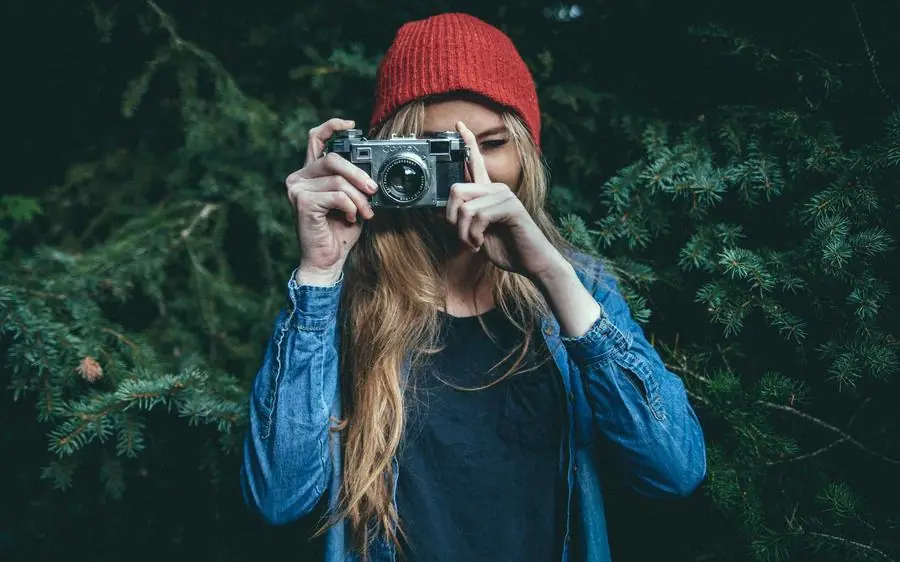 Transparent PNG
Create sharp product cutouts and campaign assets while preserving soft edges and hair detail.
No masks, no layers, no plugin installs. Three steps — and the fourth one is simply admiring the result.
Drag in a single photo or 500 at once. JPG, PNG, WEBP, AVIF, HEIC and TIFF up to 50 MB each.
PixEnhance inspects noise, blur, faces and compression, then picks the right model stack for your image.
Detail is reconstructed on dedicated GPUs — typically 2.4 seconds for a 4× upscale, with live progress.
Grab a lossless PNG, TIFF or optimised WEBP — or pull it straight from the API into your own product.
Interpolation just averages the pixels you already have. PixEnhance predicts the detail your lens missed.
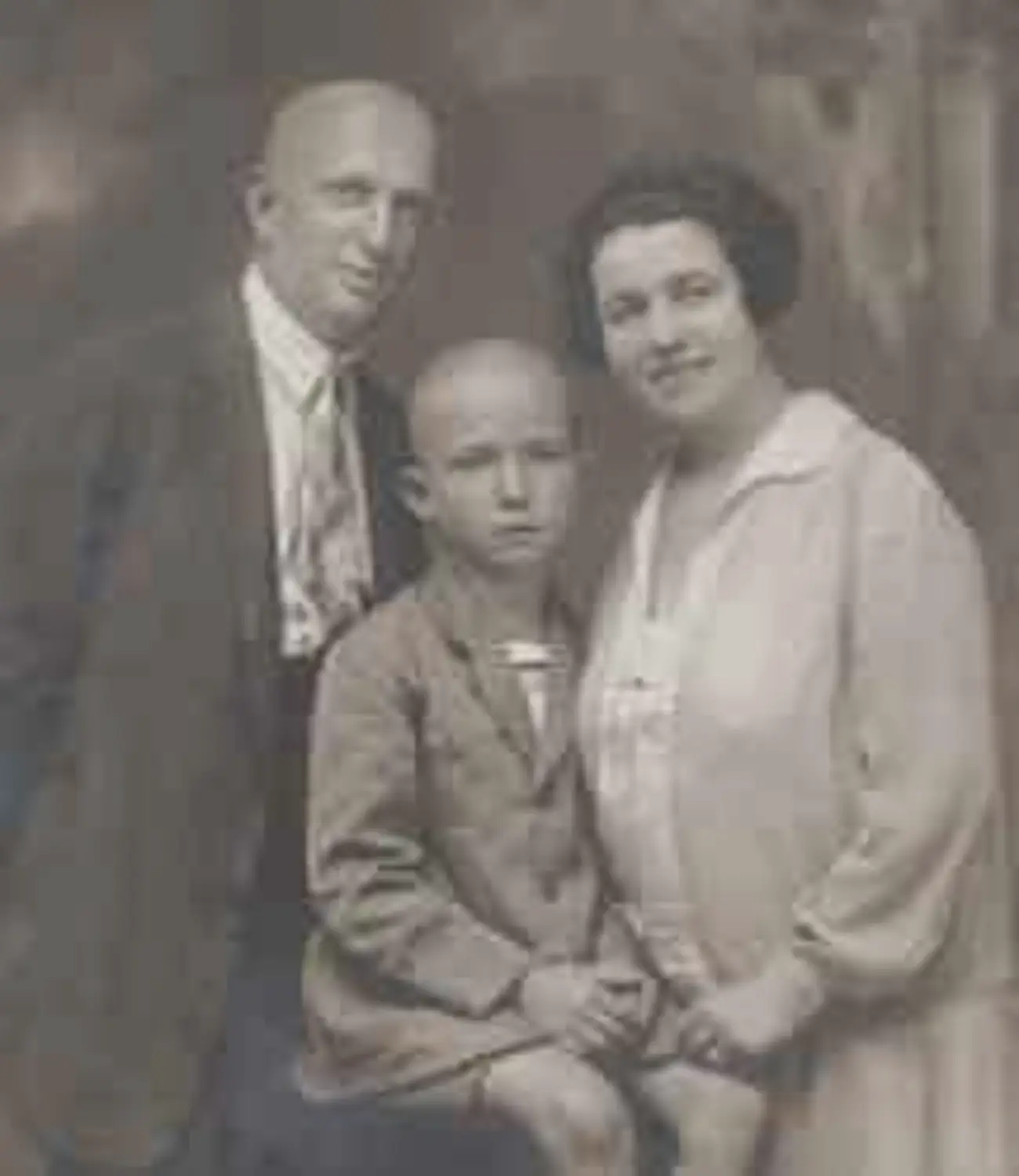
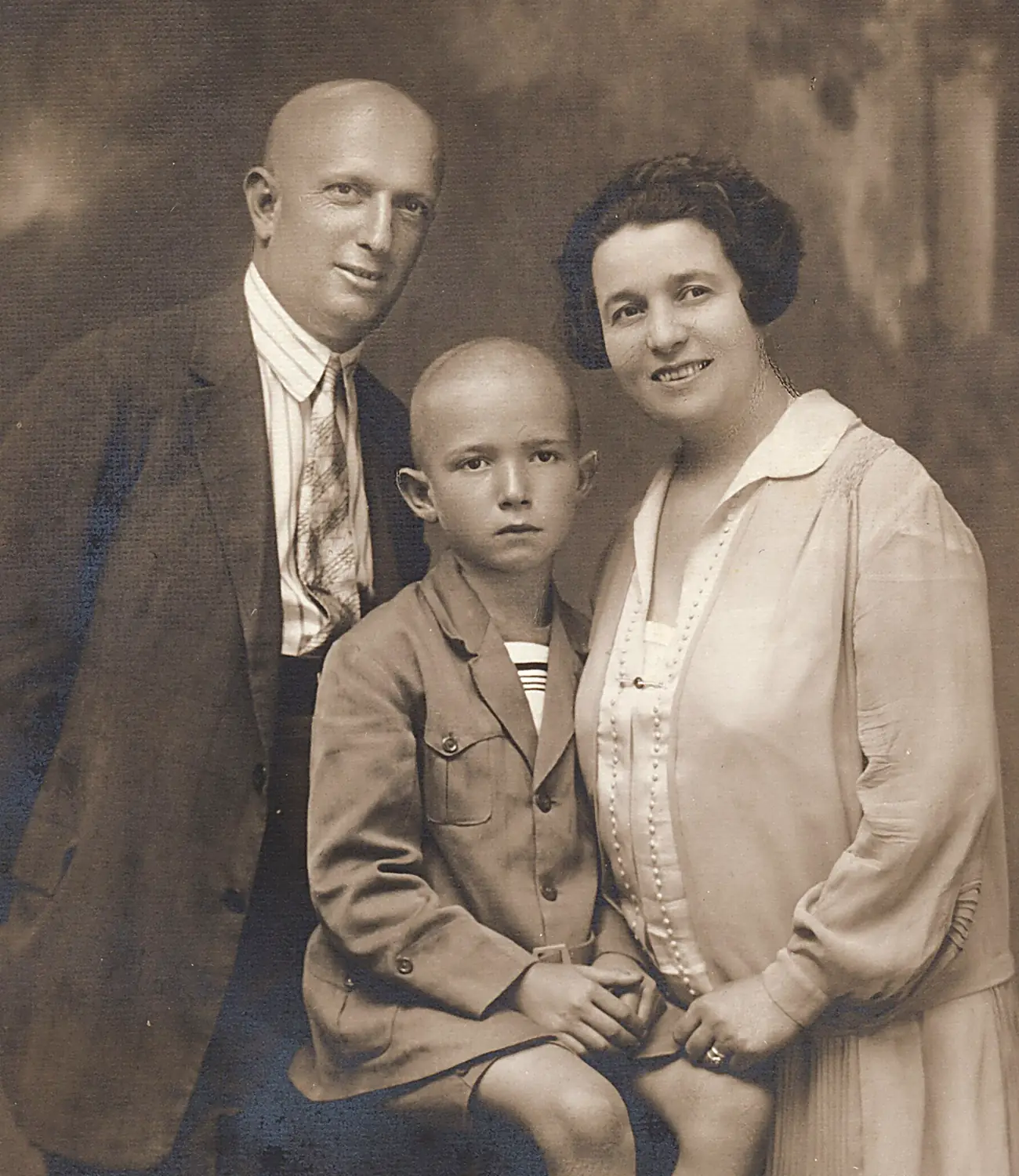
PixEnhance routes every image through the model stack it actually needs — so you never have to know the difference between GAN, diffusion and transformer.
A latent diffusion upscaler fine-tuned on 40M photographs. It hallucinates plausible micro-texture guided by the original edges, which is why fabric still looks like fabric at 16×.
Detects every face in the frame, restores it independently at native crop resolution, then blends it back. An identity-similarity guard rejects any result that drifts from the original person.
Runs before upscaling so compression damage is never magnified. Handles sensor noise, JPEG blocking, chroma bleed and mild motion blur in a single forward pass.
Recovers clipped highlights, lifts crushed shadows and neutralises colour casts using a scene-aware tone curve — no sliders, no presets, no muddy HDR look.
One credit enhances one image at any scale. Credits never expire on paid plans, and every tier includes the full model catalogue.
For side projects and occasional image rescue jobs.
$ 19 / month
Billed monthly $228
For photographers, agencies and busy storefronts.
$ 49 / month
Billed monthly $588
For marketplaces and product teams running image pipelines.
$ 199 / month
Billed monthly $2,388
14-day money-back guarantee · Cancel anytime · Compare all features
Photographers, e-commerce teams and archivists who care about the pixel level — and noticed the difference immediately.
We reshot an entire catalogue because the originals were 1200px. PixEnhance would have saved us $40,000 and three weeks.
Marta Kovac
Head of Content, Northwind
Verified
We push 12,000 listing photos a day through the API. Latency stays under three seconds and failed jobs are rare enough to notice.
Priya Raghunathan
Staff Engineer, Orbitly
Print clients ask for 300 DPI on files shot for Instagram. PixEnhance turns an impossible request into a two-minute job.
Jonas Lindqvist
Creative Director, PixelForge
I restore family archives professionally. The face model does not invent a new person. It brings back who was already there.
Daniel Okafor
Photo Restorer, Lumen Archive
The background removal handles curly hair without a single manual mask. That is the detail that made our editors switch.
Amara Diallo
Founder, Studio Nimbus
We switched from a self-hosted ESRGAN setup, deleted 900 lines of queue code, and cut our GPU bill by sixty percent.
 Tomas Herrera
CTO, VertexLab
Tomas Herrera
CTO, VertexLab
Everything about credits, quality, privacy and the API. Still stuck? Our team replies in under four hours.
Real support engineers, not a bot loop. Available Monday to Friday across every timezone.
Upload a photo you'd already given up on. If PixEnhance doesn't beat what you have now, you've lost ninety seconds.